


A food and mood journal app puts what you eat and how you feel on the same timeline, so instead of guessing whether lunch had anything to do with your afternoon slump, you can look back and see. On their own, the two are just data points: meals in one app, mood in your head, never compared. Put together, patterns start to surface.
The short answer: pick an app that logs both meals and mood together, in seconds, without turning it into a chore. Calorie counters are built for macros, not feelings. Mood trackers rarely capture food at all. You want one timeline, one habit, and something that can look across weeks of entries and point out what tends to line up with your better days.
How to keep a food and mood journal you’ll stick with
Most people quit food and mood journals within a week, because the logging is slow. Here’s how to make it stick.
- Log in the moment, not at the end of the day. Memory is unreliable for detail. A quick note right after a meal or a mood shift beats trying to reconstruct your whole day at 9pm.
- Keep entries fast. If logging takes more than 10–15 seconds, you’ll skip it on busy days, and busy days are often the most informative ones.
- Rate mood on a simple scale. You don’t need an elaborate framework. A quick “good / okay / rough” or a 1–5 scale is enough to spot trends over time.
- Note timing as well as content. When you ate matters as much as what you ate. A crash two hours after lunch is a different signal than one right before bed.
- Review weekly, not daily. Patterns rarely show up in a single day’s entry. Give yourself a recurring moment to scan the week and look for repeats.
What to look for in a food and mood journal app
- Fast logging: voice, photo, or text, rather than manual forms
- One combined timeline instead of separate food and mood sections
- Pattern surfacing, so you’re not the one doing all the cross-referencing
- Privacy: this is personal data, so ad-free and non-shared is worth checking
How to do this with Lopie
Lopie is built around exactly this problem: meals and mood living apart, with nobody connecting the dots.
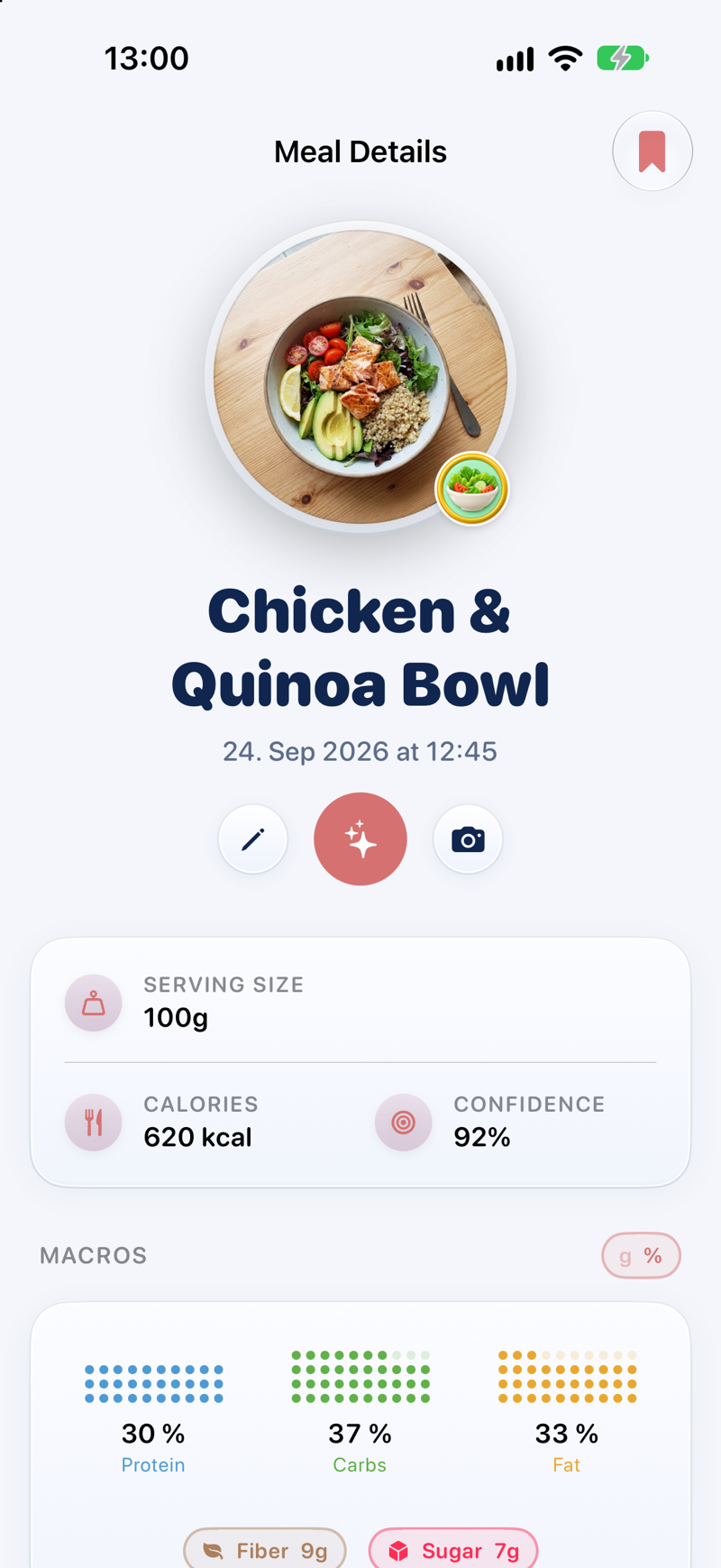
Log a meal by saying it out loud, snapping a photo, or typing a quick line. Lopie turns any of the three into a clean timeline entry in seconds. Right after, log your mood the same way: “feeling a bit foggy” or a quick tap is enough. Both entries land on the same chronological timeline, next to your water, energy, sleep, and routines.
Log meals and mood on one timeline, and let Lopie find what connects them.
Download Lopie for iPhone (free)From there, Lopie’s AI pattern spotting looks across your history and surfaces possible connections: what tends to line up with your better days and what tends to precede the harder ones. It’s always framed as a possible pattern, never as a certainty. Your weekly recap pulls the week’s wins, a pattern to watch, and a simple plan for what’s next, so you’re not doing the analysis yourself.
You can also log hands-free with Siri by saying “Log my day in Lopie”, or use a widget from your Lock Screen when you don’t want to open the app at all. Everything you log stays private: Lopie never uses your data to target ads, and nothing is shared.
Lopie is free to download, with a 7-day free trial of Lopie+ (then $69.99/year or $2.99/week), which includes the full pattern spotting and recap features.