


To figure out your energy patterns, you need one consistent record of your days: meals, sleep, mood, movement, and how you felt, logged close to real time and reviewed over weeks. Energy swings rarely have one obvious cause. They’re usually the sum of small things (a late lunch, a short night, a stretch indoors) that only become visible once they’re written down side by side.
Most people trying to understand their energy rely on memory, and memory is a bad instrument for this. You don’t remember that the day you felt sluggish was also the day you skipped water and slept six hours. A single timeline that holds all of it, food, sleep, mood, and routines, turns “I feel tired a lot” into “I tend to crash on days I eat late and sleep under seven hours.”
How to figure out what’s driving your energy, step by step
- Log energy itself, alongside the things that might affect it. A quick rating a few times a day (morning, afternoon, evening) gives you a real curve to compare against.
- Track the usual suspects on the same timeline. Meals and timing, water, sleep length, movement, and mood all belong next to your energy ratings, not in separate apps.
- Note the day’s shape as well as the totals. A 7-hour night after a late one hits differently than a steady 7 hours. Timing and consistency matter as much as amounts.
- Give it two to three weeks before drawing conclusions. One rough day proves nothing. A repeated pattern across ten or more days is worth paying attention to.
- Look for what precedes both good and bad days. It’s tempting to only investigate crashes. Knowing what’s present on your best days is just as useful.
Common energy pattern culprits worth checking for
- Meal timing and gaps between meals: long gaps or very late dinners
- Sleep duration and consistency: how regular your schedule is, alongside total hours
- Hydration: easy to under-log, easy to overlook as a factor
- Movement or lack of it: both too little and, for some people, too much
- Weather, UV, and pollen: environmental shifts can line up with off days without anyone noticing
How to do this with Lopie
Lopie is built for this kind of pattern-finding. Food, sleep, and mood all land on one chronological timeline, logged by voice, photo, or text, whichever is fastest in the moment. Say “energy’s low today” out loud, snap a photo of lunch, or type a quick line. Lopie turns each into a clean entry in seconds.
Stop guessing what drains your energy. Let your logged days show you.
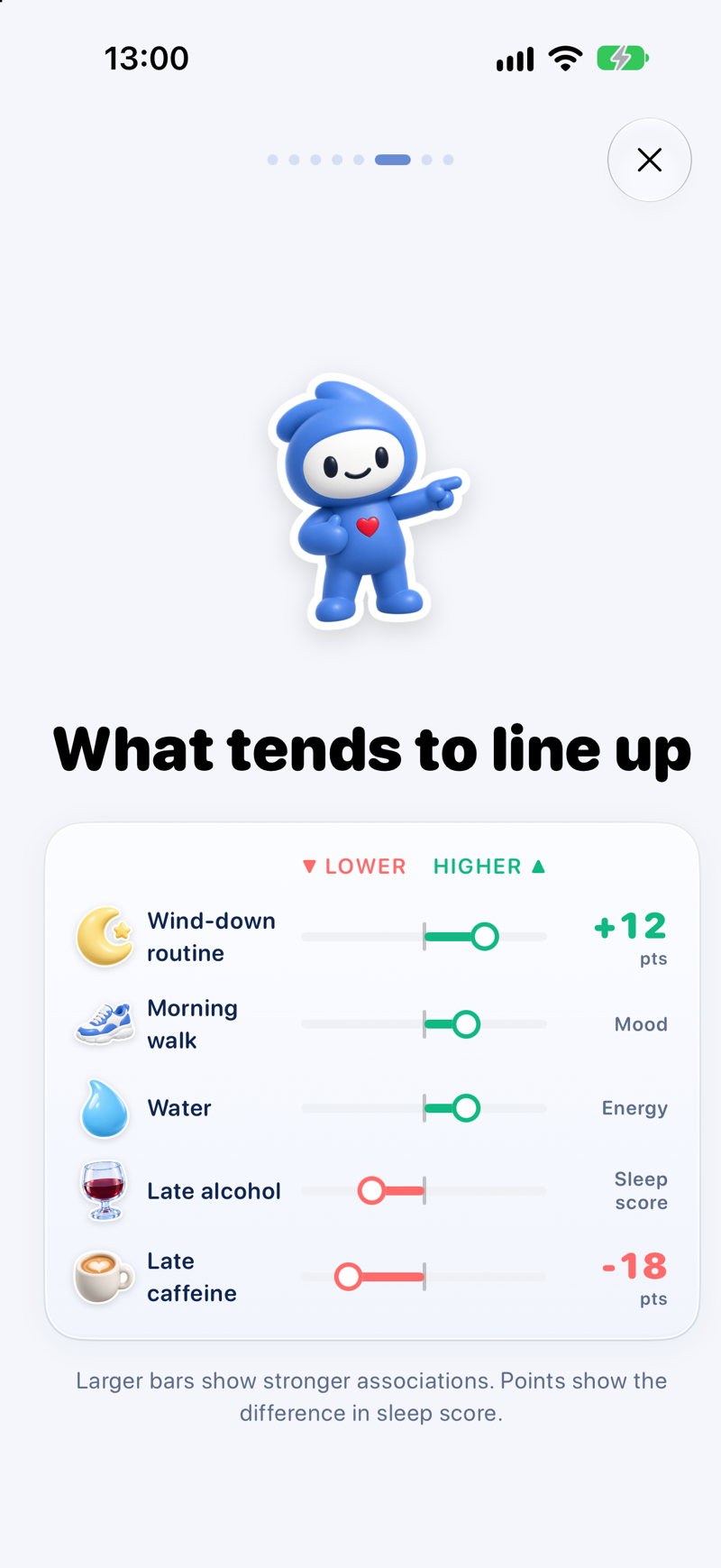
Download Lopie for iPhone (free)Lopie pulls in Apple Health data automatically (sleep, steps, workouts) plus an Energy Battery reading seeded by your overnight recovery, so you’re not manually logging everything. It can also fold in weather, UV, and pollen, so environmental factors are part of the picture without extra effort. From there, Lopie’s AI pattern spotting looks across your history and surfaces possible connections: what tends to line up with your better days and what tends to precede the rougher ones. It’s always framed as a possible pattern, never as a certainty.
Your weekly recap turns this into a short, calm summary (the week’s wins, a pattern to watch, and a simple plan for the days ahead) so you don’t have to do the cross-referencing yourself. Log hands-free with Siri by saying “Log my day in Lopie”, or from a Lock Screen widget when opening the app isn’t convenient. Everything stays private: your data is never used to target ads.
Lopie is free to download, with a 7-day free trial of Lopie+ (then $69.99/year or $2.99/week), which includes the full pattern spotting and recap features.